Quick answer
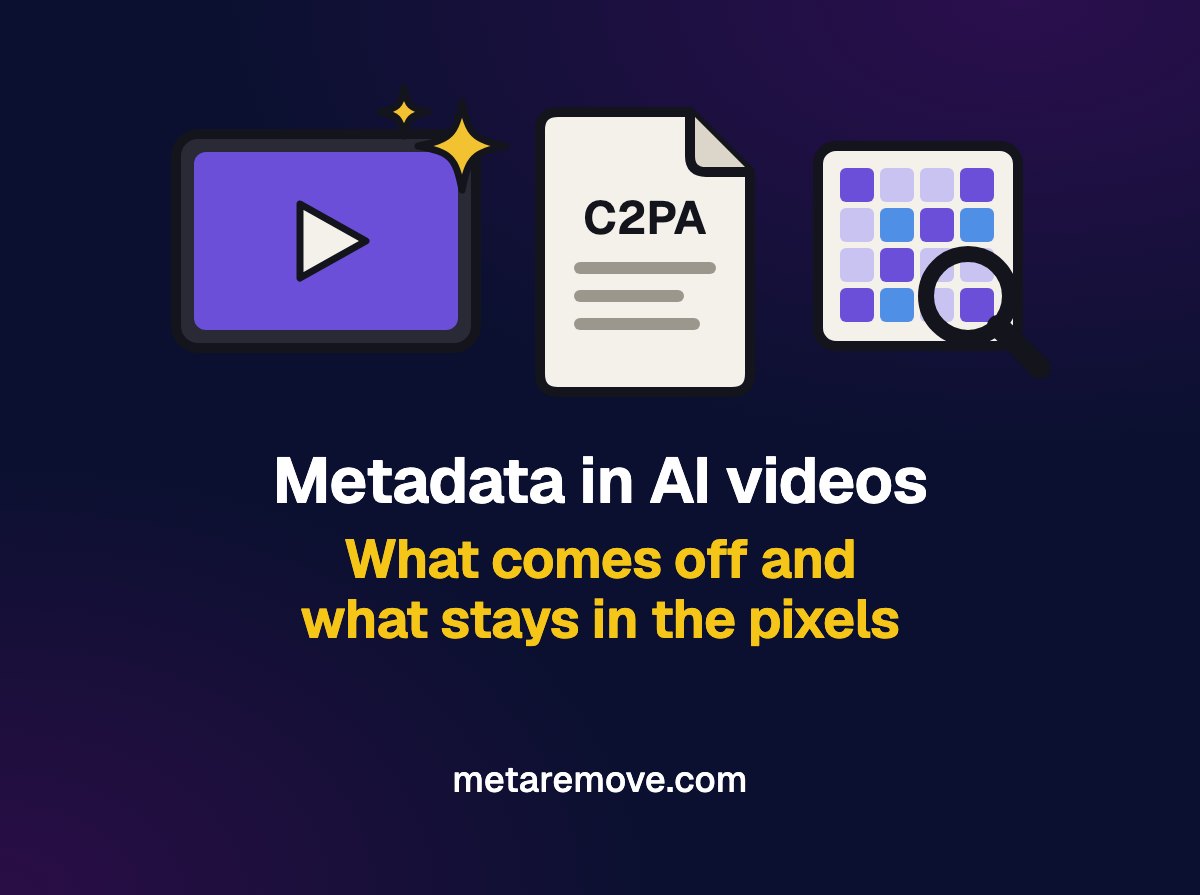
AI-generated videos often carry provenance metadata, such as the C2PA manifest (Content Credentials) and the IPTC field that marks content as AI-generated, plus tags with the prompt in tools like ComfyUI. Removing the metadata takes this data out of the file. Marks in the picture and sound, such as SynthID, remain, and platform rules for labeling realistic AI video apply all the same.
In this article you will learn
- What AI metadata a video can carry, from C2PA to the prompt
- Which AI tools mark their videos, according to each one's documentation
- What metadata cleaning removes and what stays in the picture and sound
- Why cleaning metadata does not change the AI label on YouTube, TikTok and Meta
- How to check what your video carries before you publish it
In this article
If you generate video with Veo, Firefly, Runway or a local ComfyUI workflow, you get a file that holds more information than the picture and sound. Part of it sits in the metadata: the record that the tool generated the content, the software name, dates and, in some cases, the entire prompt. Another part sits in the content itself, such as an invisible watermark in the pixels.
Before you remove metadata from an AI video, it helps to know which layer you are dealing with, because cleaning only reaches the first one.
What metadata does an AI-generated video carry?
There are four types, and a single file can have several of them.
Content Credentials (C2PA)
This is a signed manifest that records where the file came from. In an MP4, it sits in a dedicated box in the container. Microsoft's documentation for Azure OpenAI images shows what such a manifest usually says: a description such as AI Generated Image
, the software that generated it and the date. The specification allows more: C2PA guidance mentions recording the prompt and model information, and identity extensions can include the author's verified name and links to their social accounts. The article on C2PA explains this record in detail.
IPTC digital source field
IPTC, the consortium that maintains media metadata standards, defined values to mark AI content: trainedAlgorithmicMedia (created with generative AI) and compositeWithTrainedAlgorithmicMedia (edited with generative AI). The field can go in the file's XMP or inside the C2PA manifest. Midjourney announced in 2023 that it would use this field.
Prompt and workflow from local tools
ComfyUI writes the workflow and the prompt into the generated file: in PNG, as text entries, and in MP4 and WebM, in the container's metadata tags. Anyone who opens the file can rebuild the whole workflow. The documentation itself says you can turn this off with the --disable-metadata option. AUTOMATIC1111 does something similar with images, saving the generation parameters in the PNG or in the JPEG's EXIF data.
Ordinary video metadata
Like any MP4, the file carries the encoder name and the creation dates. The article on what video metadata reveals lists those fields.
Which AI tools mark their videos?
Based on each company's public documentation, as of October 2026:
| Tool | Metadata in the file | Mark in the content |
|---|---|---|
| Gemini Apps (Google) | Content Credentials (C2PA) | Invisible SynthID; optional visible watermark |
| Google Flow (Veo) | The help pages do not mention C2PA | Invisible SynthID in every video |
| Adobe Firefly (video) | Content Credentials | Not stated |
| Bing Video Creator | Content Credentials (C2PA) | Not stated |
| Runway | C2PA | Invisible watermark, announced in 2024 |
| Sora (OpenAI) | No verifiable public documentation | Visible watermark in Sora 2 |
Sora is in the table because many videos made with it are circulating, but OpenAI announced in March 2026 that it was shutting down the app and the API. Google also says that turning off the visible watermark in the Gemini Apps does not affect SynthID or the Content Credentials.
What does metadata cleaning remove, and what stays?
| Layer | Example | Removed by metadata cleaning? |
|---|---|---|
| C2PA manifest | Content Credentials box in the MP4 | Removed |
| IPTC/XMP field | trainedAlgorithmicMedia | Removed |
| Workflow tags | ComfyUI prompt and workflow | Removed |
| Dates and encoder | creation_time, ©too | Removed |
| Invisible watermark | SynthID in the picture and audio | Stays |
| Visible watermark | Generator logo in the frame | Stays |
SynthID was designed to remain detectable after cropping, filters, frame rate changes and lossy compression, according to Google DeepMind. Gemini Help warns that, after heavy editing, the watermark may no longer be detected, and that Gemini only recognizes content from Google tools.
C2PA itself answers yes
to the question of whether provenance can be removed. That is why the standard includes links that survive cleaning, through an invisible watermark or a content fingerprint lookup, which make it possible to find the credential again for a file with no metadata.
Why clean the metadata from an AI video?
The legitimate reasons are much the same as for any file:
- the prompt and the complete workflow, in the case of ComfyUI, are the work of an agency or a creator, and they travel with every delivery;
- an identity credential can pass your name and your social accounts to whoever receives the file;
- dates and software names show the client how and when the piece was made.
For these cases, cleaning does the job. It is no use for passing off a realistic AI video as real footage: the mark in the pixels stays in the video, and the platforms require the label.
Does removing metadata take away the AI label on social media?
No. The three largest platforms ask for AI disclosure regardless of the metadata:
- YouTube requires creators to disclose realistic-looking content that was generated or altered with AI, can label content with C2PA metadata on its own, and provides for removing the video or suspending creators from the YouTube Partner Program if they fail to disclose;
- TikTok requires a label on AI-generated or heavily edited content that shows realistic scenes or people, and says unlabeled content may be removed, restricted or labeled by its team;
- Meta reads C2PA and IPTC markers to show the
AI info
label, asks people to use its disclosure tool for photorealistic video and realistic audio, and says it may apply penalties.
In the European Union, Article 50 of the AI Act, applicable since August 2, 2026, requires AI providers to mark generated content in a machine-readable format and requires anyone who publishes deepfakes to disclose that the content is artificial.
If the video looks real, use the platform's AI label when you publish it, whether or not the file has metadata.
How do I check what my AI video carries?
- Open the file in the Content Credentials checker. It reads JPEG, PNG, SVG, MP4 and MOV in your browser and shows whether there is a C2PA manifest.
- For container tags, such as the encoder, dates and text fields, use the video metadata checker.
- For videos generated with Google tools, the Gemini app looks for SynthID in the picture and audio, in files of up to 100 MB and 90 seconds.
If you want to send the file without this metadata, the remove Content Credentials page shows what MetaRemove removes in each format. For MP4, removing the C2PA box is part of the PRO plan. The pixels stay as they are, and SynthID remains in the video.
Keep in mind that a published video can also gain new metadata: TikTok announced in 2024 that it would attach its own Content Credentials to content downloaded from the platform, as we cover in the article on what each app does with metadata.
Frequently asked questions about metadata in AI videos
Do AI-generated videos have metadata that shows they are AI?
Many do. The Gemini Apps, Firefly, Bing Video Creator and Runway say they attach Content Credentials (C2PA) to generated content, and the IPTC field trainedAlgorithmicMedia marks media created by AI. Not every generator documents this, and this data disappears when the file is re-edited or cleaned. Check your file in a Content Credentials checker.
Does removing metadata remove the SynthID watermark?
No. SynthID lives in the picture and the audio, not in the metadata. According to Google DeepMind, it was designed to withstand cropping, filters, frame rate changes and compression. A metadata remover takes out the C2PA manifest and the file's tags, and the SynthID watermark stays in the video, detectable by Google's tools.
Does the AI-generated file store my prompt?
It depends on the tool. ComfyUI writes the prompt and the whole workflow into the file, including MP4 and WebM, unless you use the --disable-metadata option. AUTOMATIC1111 saves the parameters in images. The C2PA specification allows the prompt to be recorded, but we did not find a commercial generator that documents doing so. Open the file in a viewer to check.
Do I need to label AI videos on YouTube and TikTok?
Yes, when the video looks realistic. YouTube requires you to disclose realistic-looking content that was generated or altered with AI, and TikTok requires a label on realistic scenes or people made with AI. Both platforms can apply a label themselves, or remove or restrict the video, whether or not the file has metadata.
How do I check a video's Content Credentials?
Open the MP4 or MOV in a Content Credentials checker that reads the file in your browser. It shows whether there is a C2PA manifest and, when it is readable, what it records, such as the source tool. If nothing shows up, the file may have lost its manifest during editing, and a mark in the pixels may still be there.
Sources
- Gemini Apps Help: Content Credentials and SynthID in generated content
- Google Flow Help: SynthID watermarks in Veo videos
- Google DeepMind: SynthID
- C2PA: specification 2.4 explainer
- IPTC: Digital Source Type vocabulary (trainedAlgorithmicMedia)
- ComfyUI: workflow and prompt metadata saved in the file
- YouTube Help: disclosing altered or synthetic content
- TikTok Community Guidelines: integrity and authenticity
- Meta: approach to labeling AI-generated content and manipulated media, 2024
- Adobe: Firefly videos with Content Credentials, 2025

The MetaRemove team is dedicated to helping content creators protect their privacy and optimize their content for maximum reach.