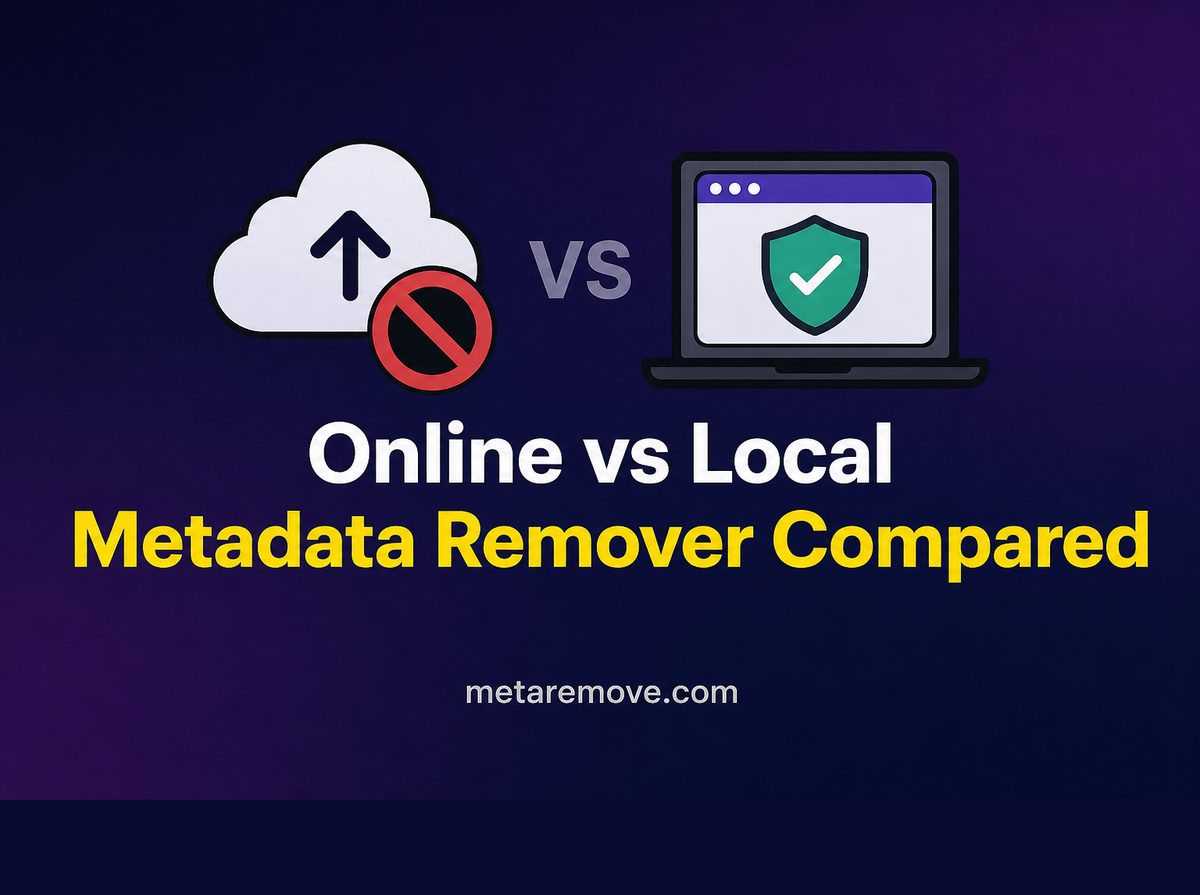
Not all metadata removers are equal. Learn why upload-based tools create privacy and retention risk, and why local browser processing is the safer default for video files.
Searching for an online metadata remover
usually leads to the same pattern: upload a file, wait, download a clean
copy. That workflow is convenient. For private, commercial, or unreleased video, it is often the wrong trade.
This article compares upload-based removers with local browser processing, explains the real risks of sending raw files to strangers' servers, and shows a safer path for creators, media buyers, and privacy-conscious users.
What Online Metadata Remover
Usually Means
Most free web tools ask you to:
- Upload the original video
- Process it on their infrastructure
- Download a result (sometimes re-encoded)
The marketing page promises privacy. The technical reality is that your file - and everything inside it - must reach their servers to be processed.
What Leaves Your Device When You Upload
An upload is not just pixels.
The server receives:
- The full video and audio bitstream
- Existing metadata (GPS, device, timestamps, software)
- Faces, voices, documents, product prototypes, or client work visible in frame
- Enough content for someone to republish, train a model, or retain indefinitely
Metadata removal is supposed to reduce exposure. Uploading the unclean original first maximizes exposure to that service.
Why Upload-Based Removers Are Risky
Retention policies you cannot verify
Even with a privacy policy, you rarely get cryptographic proof of deletion. Logs, backups, CDN caches, and support tooling can keep copies longer than the UI implies.
Third-party and employee access
A temporary processing
claim does not eliminate operator access, compromised admin accounts, or subcontractors.
Breach and scraping risk
File-processing sites are attractive targets: users send sensitive media by design. A breach turns a convenience tool into a leak.
Silent re-encoding and quality loss
Many upload removers re-encode to save bandwidth. You may lose quality while still not knowing whether every tag set was stripped.
Business and legal exposure
Client NDAs, unreleased ads, and influencer drafts often forbid uploading to unknown processors. Marketing teams that chase free online remover
links can violate those terms without noticing.
Adversarial interest
If your video contains location, competitor research, or account-sensitive creatives, the act of uploading is itself a disclosure event.
For MetaRemove's own posture on handling and local processing, see the security page.
Local Browser Processing: What Changes
A local/browser-based remover runs the stripping logic on your device. The file is selected in the browser; processing does not require sending the video to MetaRemove's servers for cleaning.
That model changes the risk profile:
- Your original never becomes an object in someone else's object storage
- You can work on confidential drafts without creating a third-party copy
- You keep control of when (and whether) a cleaned file is shared
Local processing is not magic anonymity after you post to social platforms - platforms will still receive the file you upload there. The win is avoiding an extra untrusted hop before you decide to publish.
Online vs Local: Decision Guide
Prefer local/browser processing when:
- The clip shows a home, workplace, or private event
- The file is an unreleased ad, product demo, or client deliverable
- You care about GPS, device, or software fingerprints
- You are cleaning inventory for marketplace listings
- Policy or NDA forbids unknown processors
Upload-based tools are a poor fit when:
- You would not email the same file to a random inbox
- You cannot name the company, jurisdiction, or retention window
- The site is ad-heavy, brand-new, or asks for unnecessary permissions
Convenience is real. For throwaway public domain clips with no personal or commercial sensitivity, risk may be lower. Most MetaRemove users are not cleaning throwaway clips - they are cleaning work product.
How to Evaluate Any Metadata Remover
Ask concrete questions:
- Does processing require a full file upload to their API?
- Is there a clear statement that media stays on-device?
- Can you check video metadata before and after without creating a server-side copy?
- Does the tool re-encode by default, or remux/strip tags?
- Is there a security page you can actually read (security as an example of what to look for)?
Vague we care about privacy
copy is not a control. Architecture is.
A Safer Workflow
- Inspect the file with a free video metadata checker.
- Strip tags using remove video metadata online with local browser processing - not a random upload farm.
- Re-check the output.
- Upload only the cleaned file to the destination platform you trust for publishing.
That sequence removes the unnecessary middleman while still giving you verification.
Who Should Care Most
- Media buyers shipping many creatives weekly
- TikTok/Reels creators filming at home
- Agencies under client confidentiality
- Marketplace sellers recording stock in private spaces
- Anyone who would remove GPS for safety reasons
If your threat model includes stalkers, competitors, or account correlation, do not train a third-party site on your raw files.
Free
Upload Tools Still Have a Business Model
If a site processes large videos at no charge, someone pays - ads, data partnerships, resale of traffic, or deferred monetization of the audience. That does not prove malice. It does mean your file is an input to a product you do not control. Local processing keeps the business model aligned with a subscription for software, not custody of your media.
For marketers, the cost of a leak or NDA violation dwarfs a low weekly plan. Treat upload removers like mailing a hard drive to an unknown address and hoping they ship it back wiped.
Soft Next Steps
Prefer tools that keep processing local. Start with the free video metadata checker, review security, then clean files with remove video metadata online.
MetaRemove plans start at $2/week for ongoing in-browser cleaning. Use the free checker anytime you need proof of what a file still contains - without handing the video to an upload-based remover first.